
A self-ordering kiosk takes the order and the payment while the team cooks, and the screen can suggest extras with every order. But a kiosk is three systems in one box: the hardware, the ordering software, and a card terminal tied to your bank and your country's tax rules. Here is how to put them together — with rules and prices checked in October 2026.
Formats
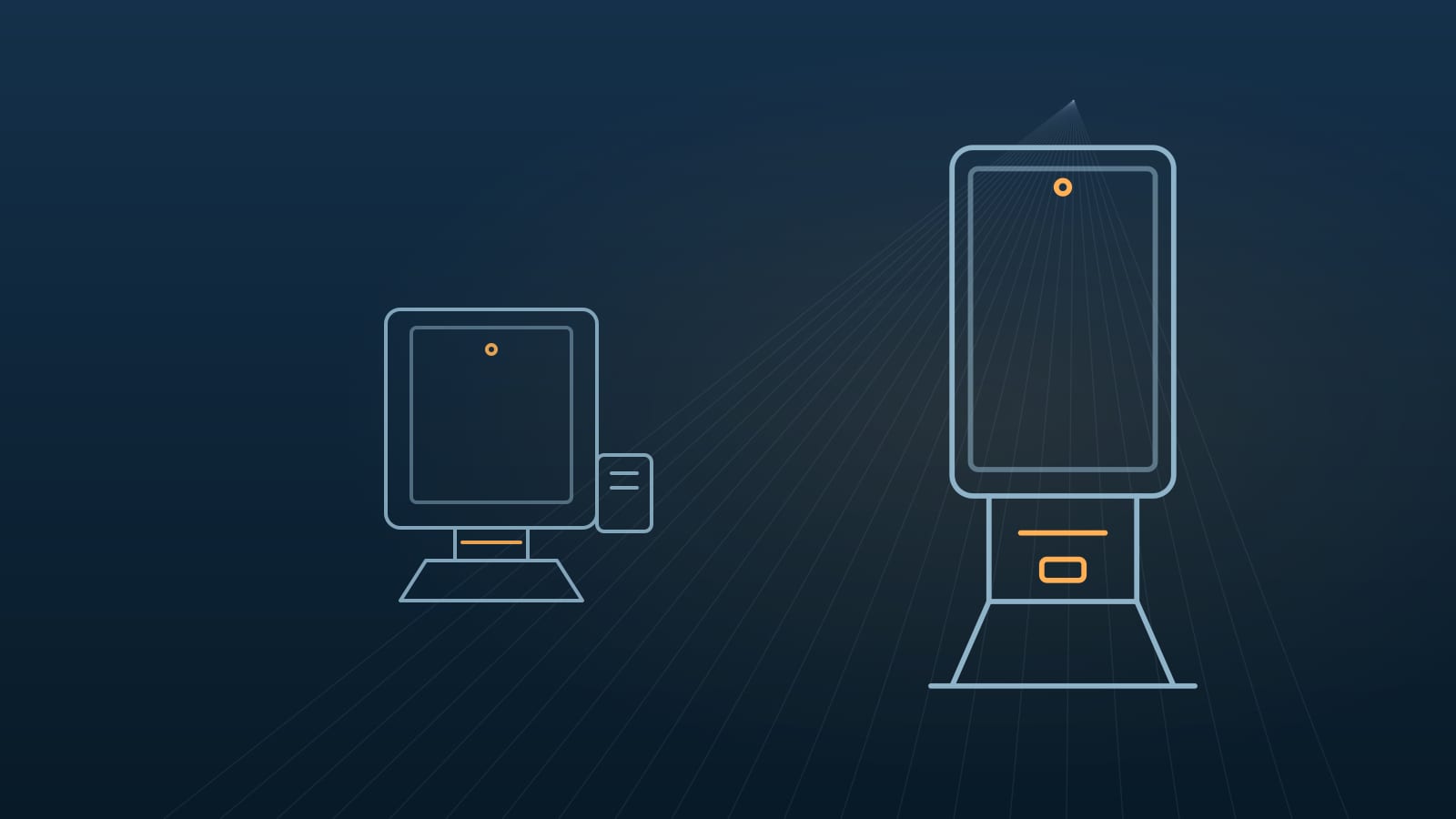
Floor-standing kiosks with a 21.5″–32″ screen suit fast-food restaurants and food courts with queues; the same units can be mounted on a wall. Countertop kiosks with a 15.6″ screen fit cafés and small counters. A kitchen display completes the setup: orders from the kiosks and the till go straight to the kitchen screen instead of paper tickets.
Start with your busiest hour: how many orders come in, how long one order takes on a screen and where the queue forms. That tells you how many kiosks you need and which format.
Hardware: what to specify
A capacitive multi-touch screen; an 80 mm thermal printer with an auto cutter for receipts and order numbers; a 2D scanner for QR codes and coupons; a mount for the card terminal; optionally a camera and a status light. The housing should be metal, with a lockable service door and hidden cables.
Android or Windows. Android boards, such as Rockchip RK3566 to RK3576, cost less, start fast and are enough for most ordering apps. Windows — Intel N95, N5095, J6412 or Core i5 — is needed when your ordering or point-of-sale software runs only on Windows. Ask for the SDK for the printer, the scanner and NFC: your software developer will need it.
The software decides
A kiosk is only as good as its ordering software: the menu and prices synchronised with your point-of-sale system, modifiers and combos, photos, several languages, loyalty and promotions, order numbers on the kitchen screen. Restaurants usually use the kiosk module of their POS vendor or a specialised kiosk app — check that it supports your hardware before you order.
Agree in advance who updates the menu, who supports the kiosks at night and at weekends, and what happens when the internet is down: ask whether the app keeps taking orders offline and syncs later.
Card payments: the terminal comes from your bank
The card reader in a kiosk is not part of the kiosk. It is a payment terminal for unattended use, supplied or approved by your acquirer — the bank or processor that settles your card payments. The kiosk needs a mount that fits that exact terminal and an integration between the ordering software and the terminal, usually through the acquirer's SDK or cloud API.
So choose the acquirer and the terminal model before the kiosk housing. QR payments through local wallets can be added in the software, but cards still need an approved terminal.
Electronic receipts in Chile, Peru and Colombia
In Chile every sale needs an electronic receipt (boleta electrónica) sent to the tax service, the SII — mandatory since 2021 under Law 21.210. Under SII Resolution 12 of 2025, a business that has a printer must give the customer a printed copy in in-person sales from 1 May 2025; businesses without printers must deliver it digitally — by e-mail, SMS, WhatsApp or QR — from 1 March 2026. A kiosk with a built-in printer prints it on the spot.
In Peru taxpayers designated by SUNAT as electronic issuers issue electronic receipts, and new taxpayers get three months to adapt; a customer without an electronic address receives a printed copy. In Colombia the paper till receipt has been replaced by an electronic POS document under DIAN Resolution 165 of 2023.
In all three countries the receipt is issued by your point-of-sale or billing system authorised for the tax service, not by the kiosk itself. The kiosk passes the sale to that system and prints or shows what it returns.
What it costs
In Chile the supplier LED Factory lists self-service kiosks at 1.77–2.25 million pesos and delivers batches of ten or more in 30–45 days (October 2026). Buying directly from a factory in China costs less, but then import, installation and support are on you or your integrator.
Budget beyond the hardware: the ordering software licence, usually monthly; card fees; installation and menu setup; spare printer parts and paper rolls.
Certificates and import
Kiosks with Wi‑Fi or Bluetooth must meet radio rules: in Chile a SUBTEL QR label backed by an accredited laboratory's test report, MTC homologation in Peru, CRT homologation in Mexico, conformity through SABER in Saudi Arabia; in Colombia CRC homologation applies only to devices with a cellular modem. In Chile also check whether an SEC electrical-safety certification protocol covers the product; in Mexico NOM certificates are checked at customs for listed tariff fractions — computers need NOM-019.
The tariff code depends on the configuration: a kiosk with a built-in computer may be classified as a computer, heading 8471, or under another heading, depending on its main function. Computers are duty-free in Colombia, Mexico and Saudi Arabia, and in Chile goods from China enter at 0% with a certificate of origin. Confirm the code with your customs broker before ordering; details are in our import guides by country — links at the end of this article.
How we help
We match the kiosk to your software and your payment terminal, check that the SDK works for your developer, add your logo and colours, check the radio and safety documents for your country before production and ship with full export documents. Delivery is FOB China or to your port; payment is by bank transfer against an invoice.
Rules and prices were checked in October 2026 against the websites of the SII, SUNAT and DIAN, the LED Factory store and the official sources in our country guides. They can change — we confirm them in the quote.
What to send us for a quote
Screen size and format, quantity, Android or Windows, the ordering or point-of-sale software you use, your bank or payment provider and the terminal model if you know it, the country and city of delivery, and whether you need your logo. We reply within two business days.